Manage Packagers
The Packagers section of the Vindral Portal is where you run Vindral Bridge Packagers from one place. Use it to:
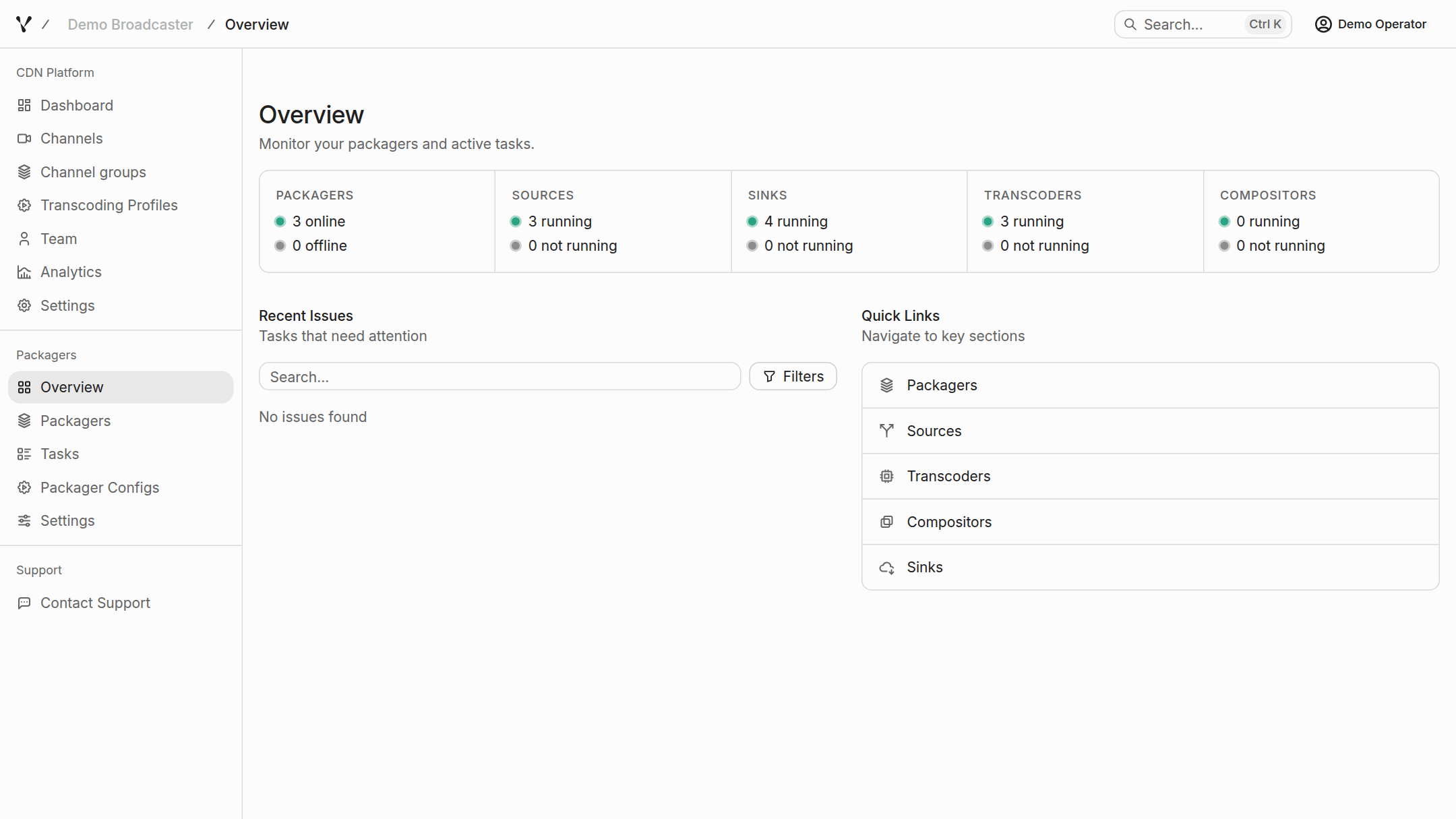
- See every Packager in your organization, whether it is online, and the state of its sources, transcoders, compositors and sinks.
- Keep Packager configurations in one place, with revision history.
- Add a Packager that gets its configuration from the Portal, and roll out new revisions when you change it.
The Packagers run on your hardware or in your cloud account. They connect out to Vindral's control plane over HTTPS, so you do not need to open inbound ports for it.
Get access
Sign in to the Vindral Portal. The Packagers section appears in the sidebar once Vindral has turned it on for your organization. Contact us to get access.
Members with the Administrator or Channel manager role can add Packagers and change configurations. Members with the User role can see everything but change nothing.
What is in the section
| Page | What it is for |
|---|---|
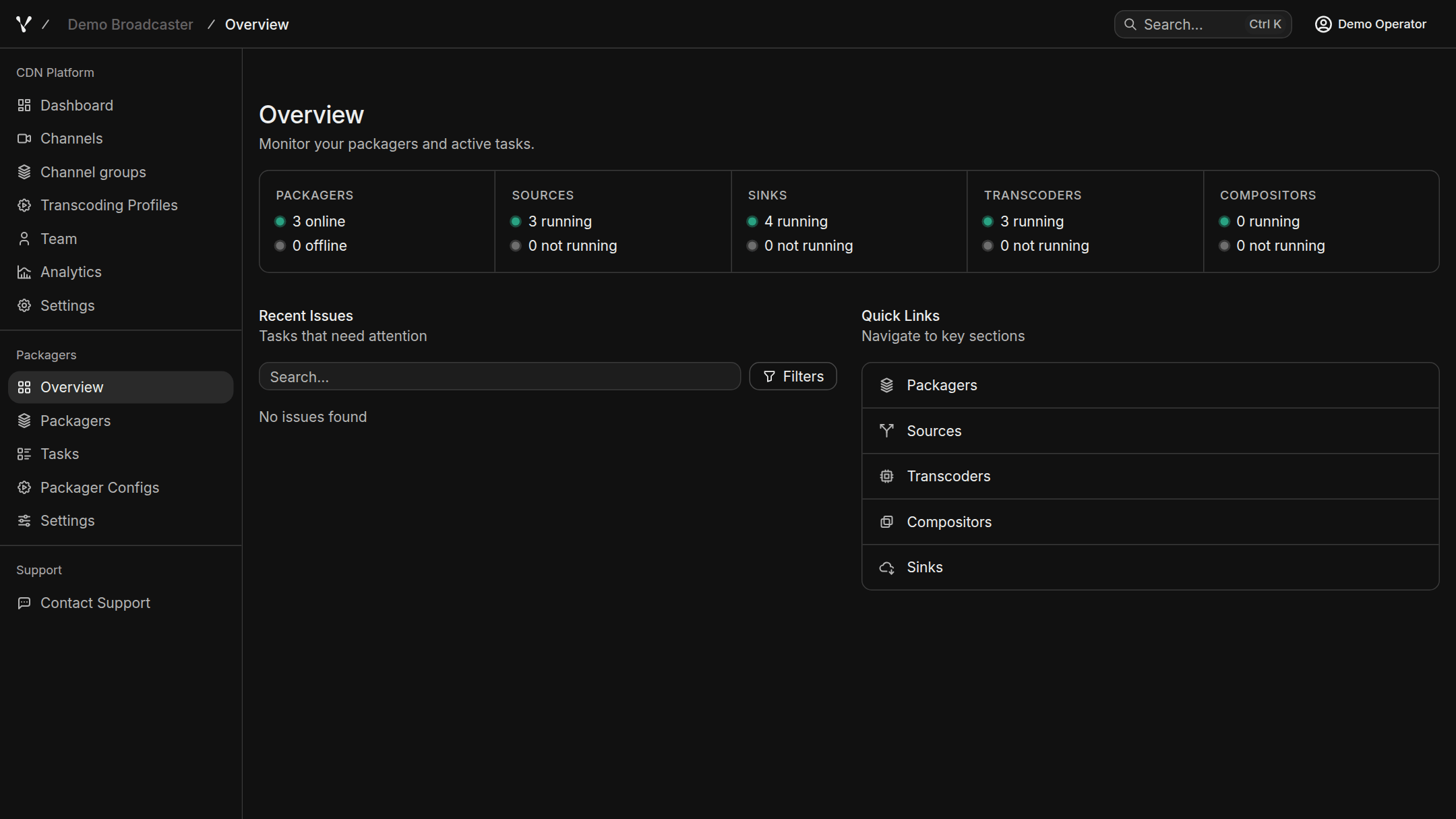
| Overview | Counts of online and offline Packagers and of running tasks, and tasks that need attention. |
| Packagers | Every Packager with its hostname, version, configuration and deployment status. Add Packagers here. |
| Tasks | Every source, transcoder, compositor and sink across all Packagers. |
| Packager Configs | Pipeline definitions: the sources, transcoders, compositors and sinks a Packager runs. Each save creates a new revision. |
| Settings | Deployment adapters, connect keys, labels and the Packager image. |
Two ways to connect a Packager
| Managed | Unmanaged | |
|---|---|---|
| Configuration comes from | The Portal | A local TOML file on the host |
| Token | Created when you add the Packager in the Portal | A connect key plus a name you choose |
| Start command | packager start managed | packager start, with a [control_plane] block in the file |
| Shown in the Packagers list as | Pending, Up to date, Update (Outdated for members who cannot update) or Offline | Unmanaged |
| Use it when | You want to manage pipelines centrally and roll out changes from the browser. | Pipelines are managed on the host, and you want one place to see their state. |
Both kinds connect out to the control plane and report their state. Only a managed Packager gets its configuration from it.
Connect a Packager walks through both.
In this section
- Connect a Packager: add a managed Packager, or register one with a connect key.
- Packager configs and updates: build a configuration, change it and roll out the new revision.
- Monitor Packagers: Packager status, tasks, events and topology.
- Troubleshooting: Packagers that do not connect, run no tasks or did not update.
Automate with the API
The Packager endpoints of the Management API cover the same objects as the Portal: Packagers, configurations, connect keys, deployment adapters and the state of each source, transcoder, compositor and sink. Use them to add Packagers from your own tooling, apply the latest configuration from a script, or feed task state into your monitoring. They use the same API keys as the rest of the Management API.