Packager configs and updates
A Packager config describes a pipeline: the sources a Packager reads, the transcoders and compositors that build renditions, and the sinks it delivers to. These are the same building blocks as a local Packager file; see How Packager works for what each one does. Every managed Packager runs one config, and several Packagers can run the same one.
Create a config
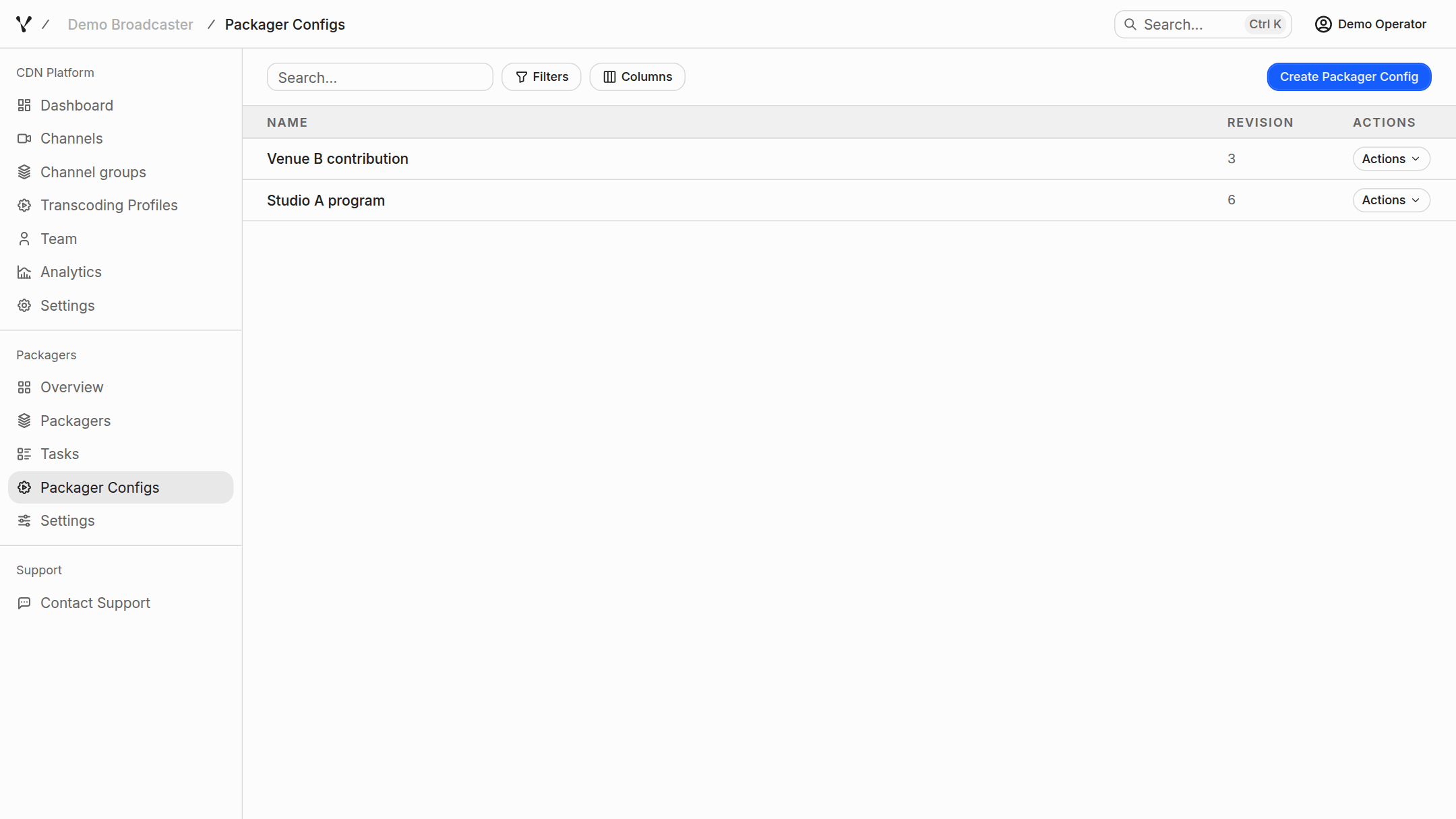
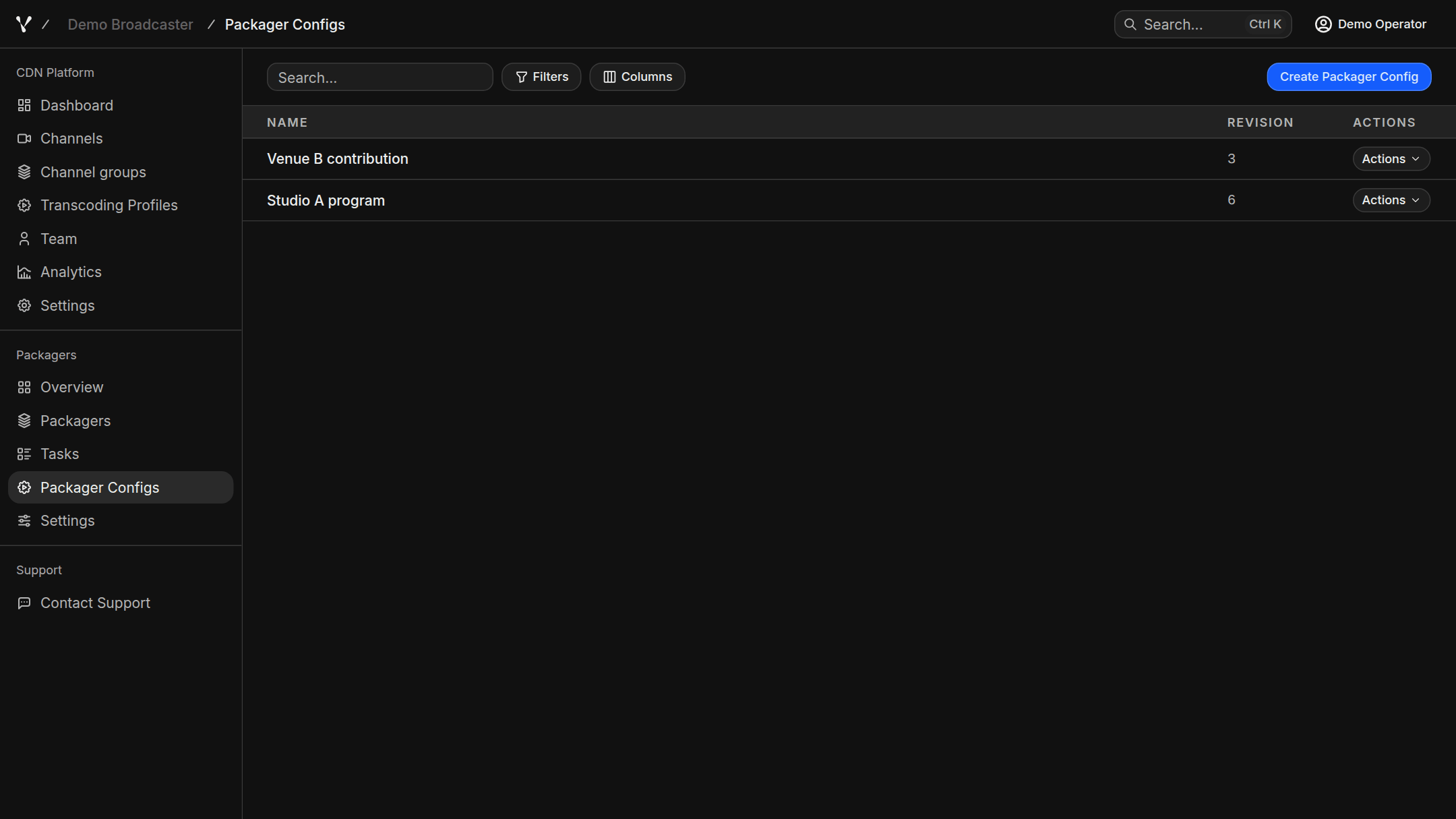
- Open Packager Configs and select Create Packager Config.
- Enter a name and a short description, and select Create.
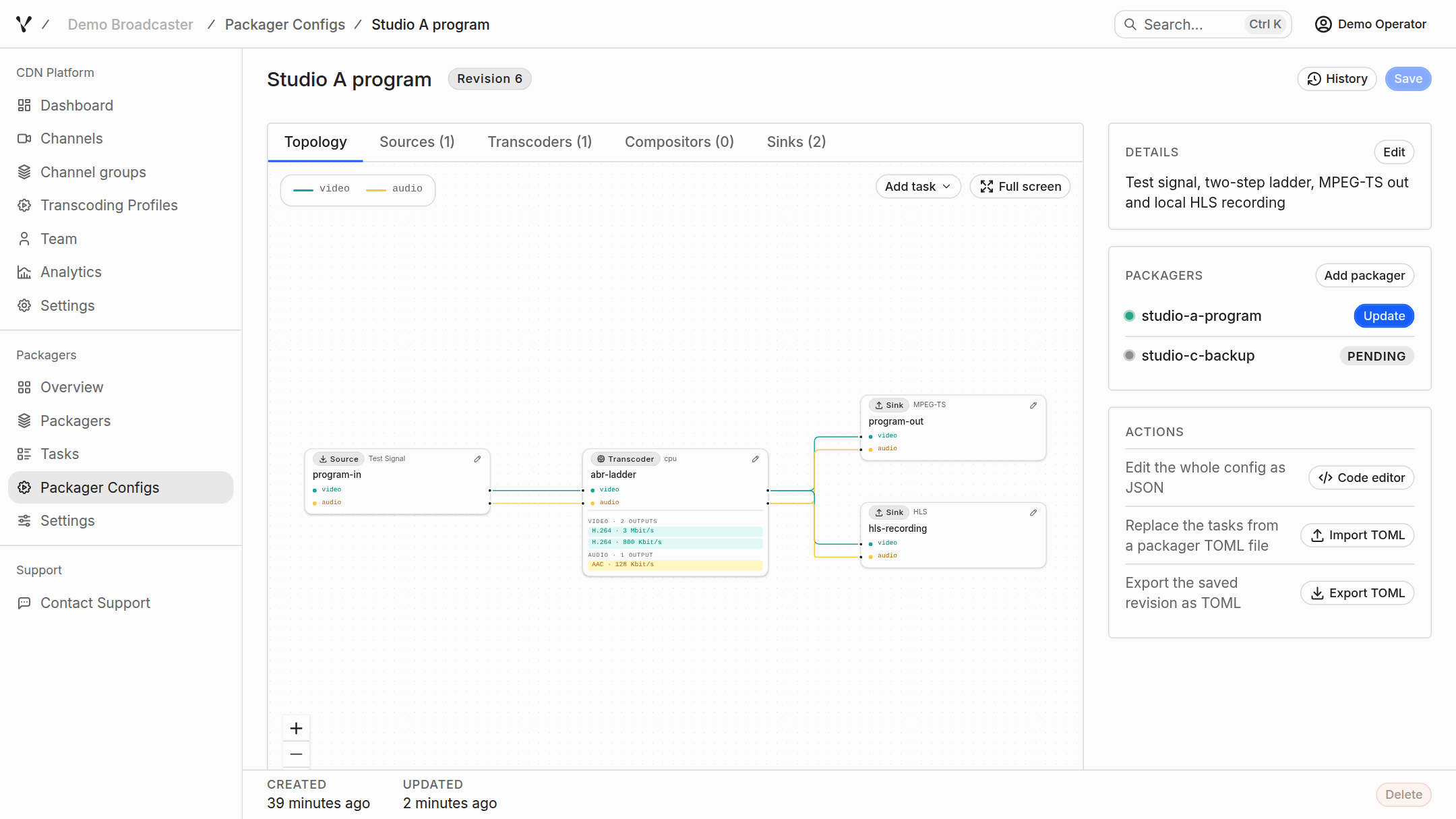
The config opens in the editor. Add tasks in one of three ways:
- Add task adds a source, transcoder, compositor or sink with a form.
- Import TOML reads an existing Packager file, such as one of the example configs.
- Code editor edits every task as JSON.
Topology draws the pipeline as you build it, and the Sources, Transcoders, Compositors and Sinks tabs list the tasks. Select a task to change it.
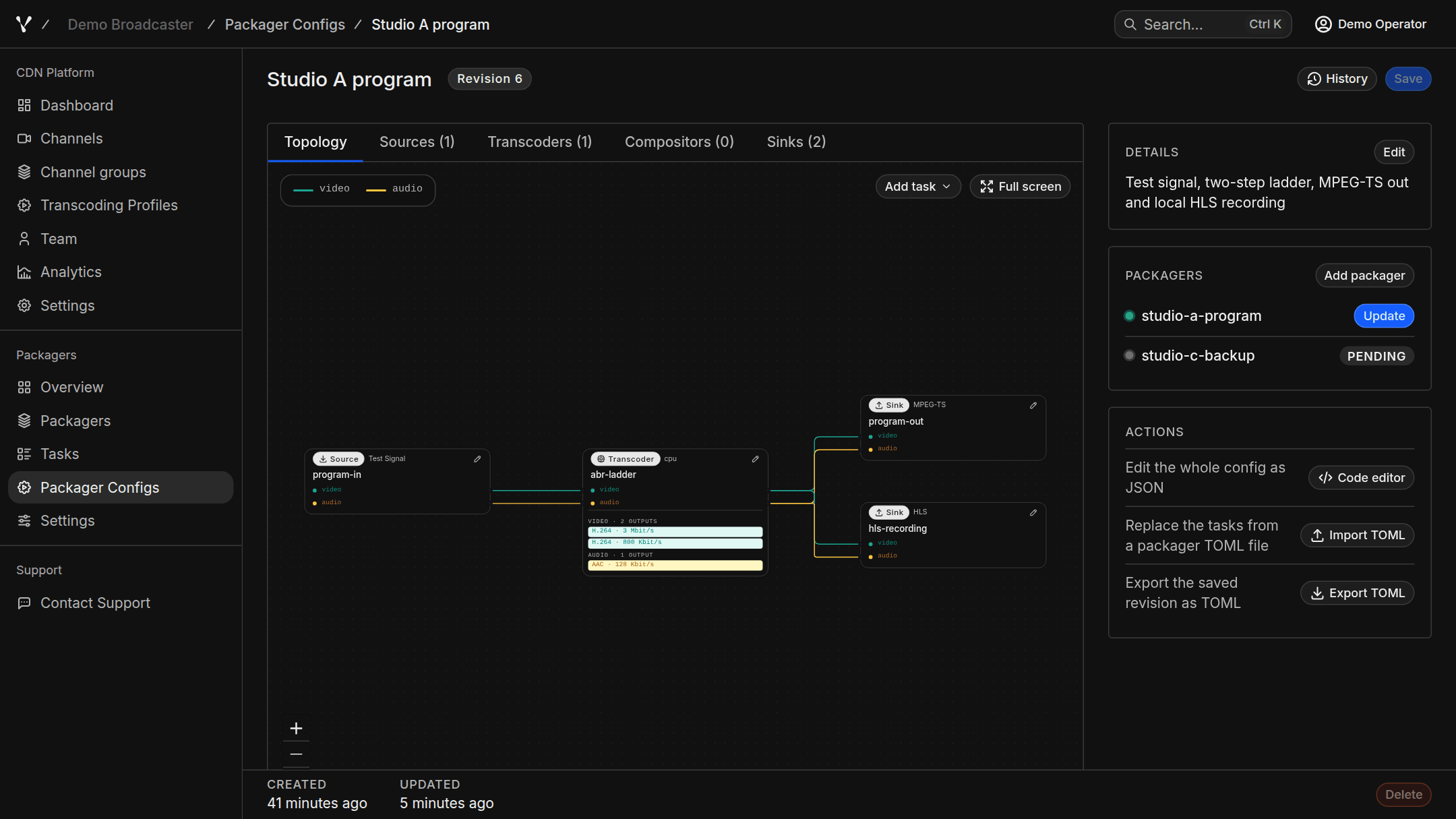
Changes go into a draft, and the header shows Unsaved changes until you save a revision. Nothing reaches a Packager before you save and update it.
Import a TOML file
Select Import TOML, then drop a .toml file or paste its contents. The sheet counts the sources, transcoders, compositors and sinks it found and lists any problems. Select Apply, or Replace and apply when the config already has tasks; the import replaces every task in the draft.
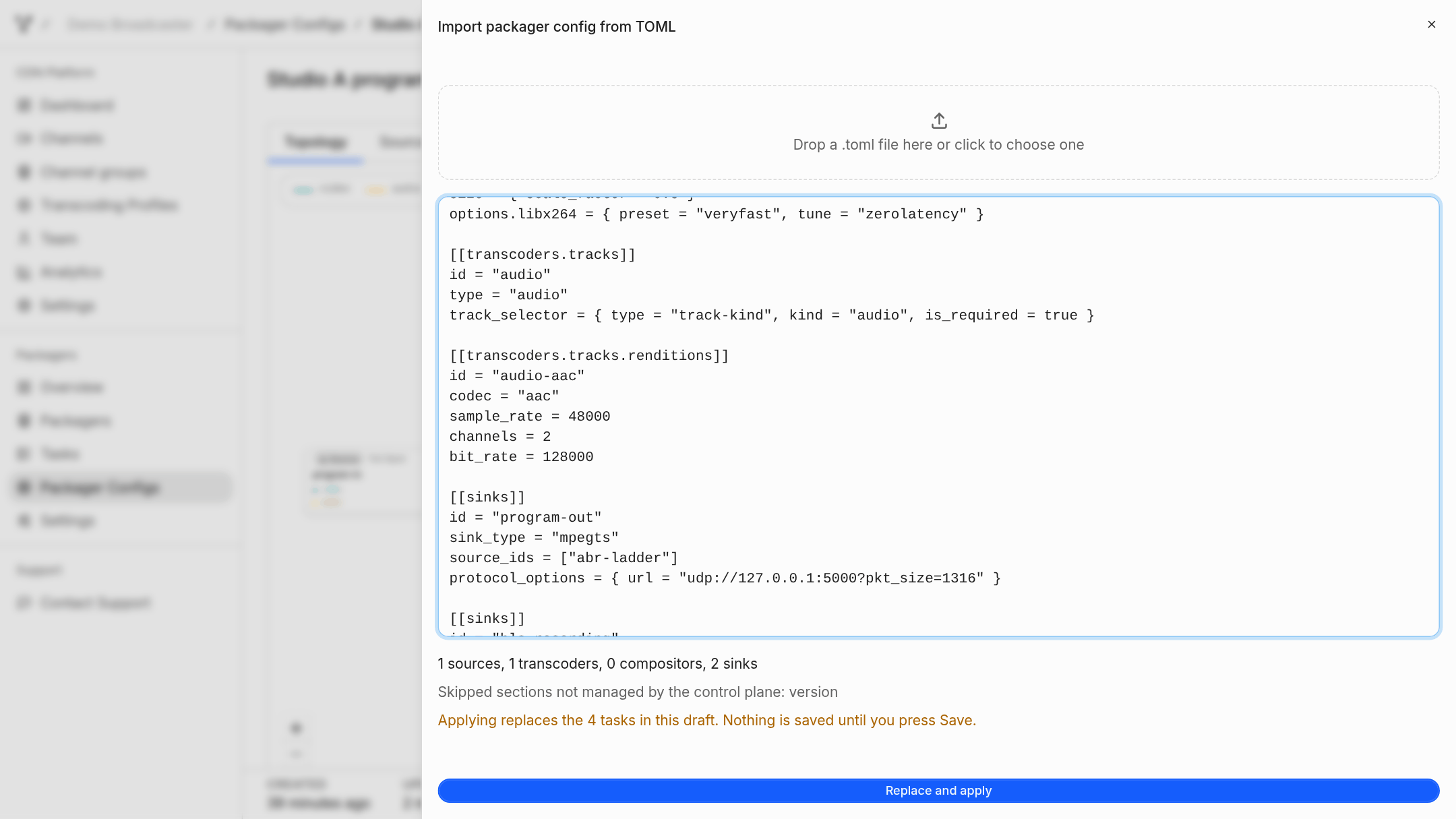
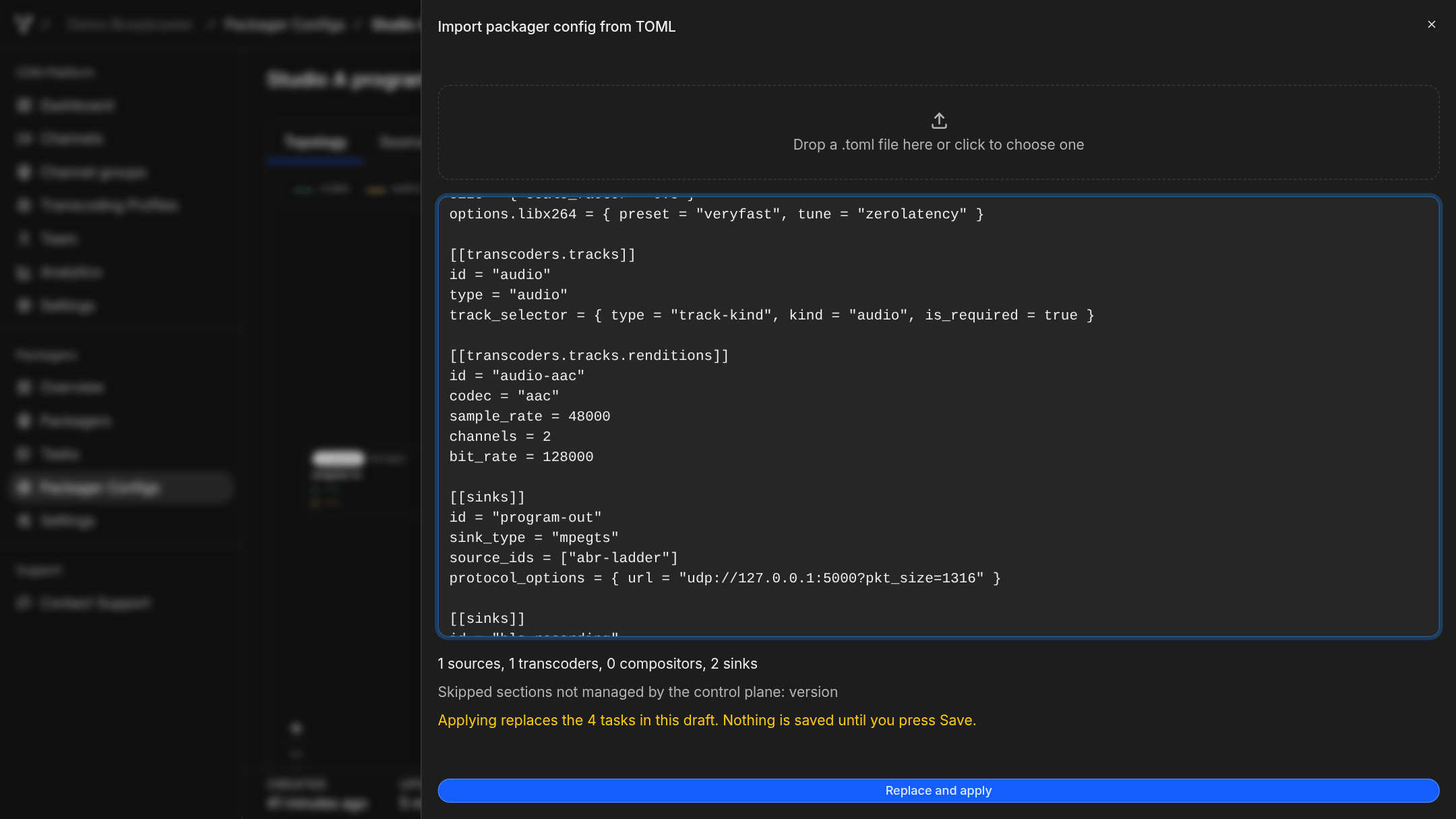
- Sections the Portal does not manage, such as
version,[api]and[logging], are skipped. Set those on the host; see Run the Packager yourself. - In option blocks (
protocol_options,demuxer_options,muxer_options), a plain string such asurl = "srt://..."is converted to the typed form. Numbers and switches must already be typed, for examplewidth = { type = "u_int", value = 1280 }. A plain number ortrueis reported, such asSource "camera-1": config.protocol_options.width: Invalid input: expected object, received number, and nothing is applied until you fix it.
Export TOML gives you the saved revision as a TOML file, for example to run it on a host without the Portal.
Edit as JSON
Select Code editor to edit the tasks as JSON, one tab per task. Each tab holds the task's name and description and its config object. The editor checks the structure as you type and lists errors and warnings under Problems. The task settings use the same fields as a Packager v3 configuration file, so the configuration reference and the example configs apply.
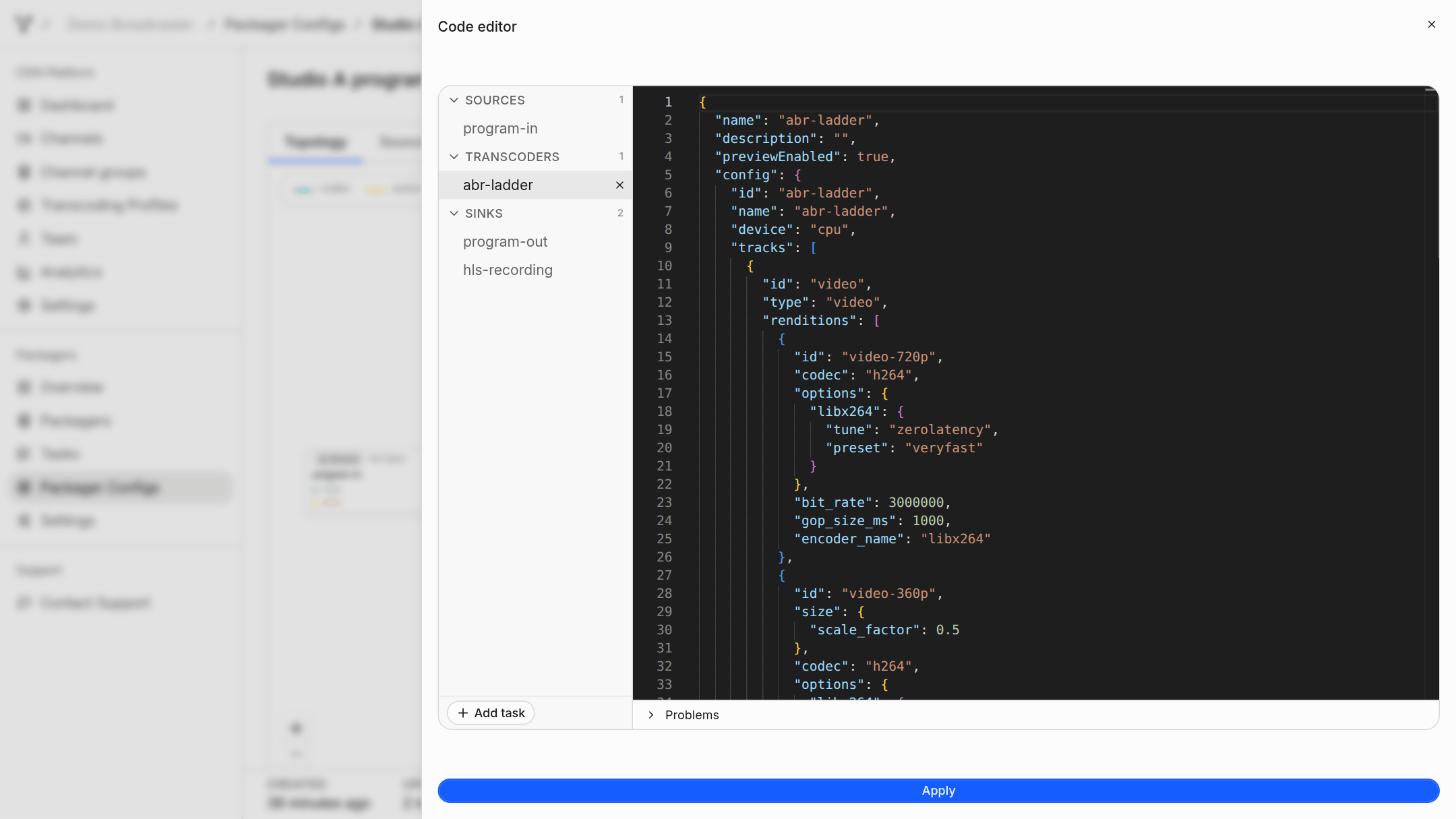
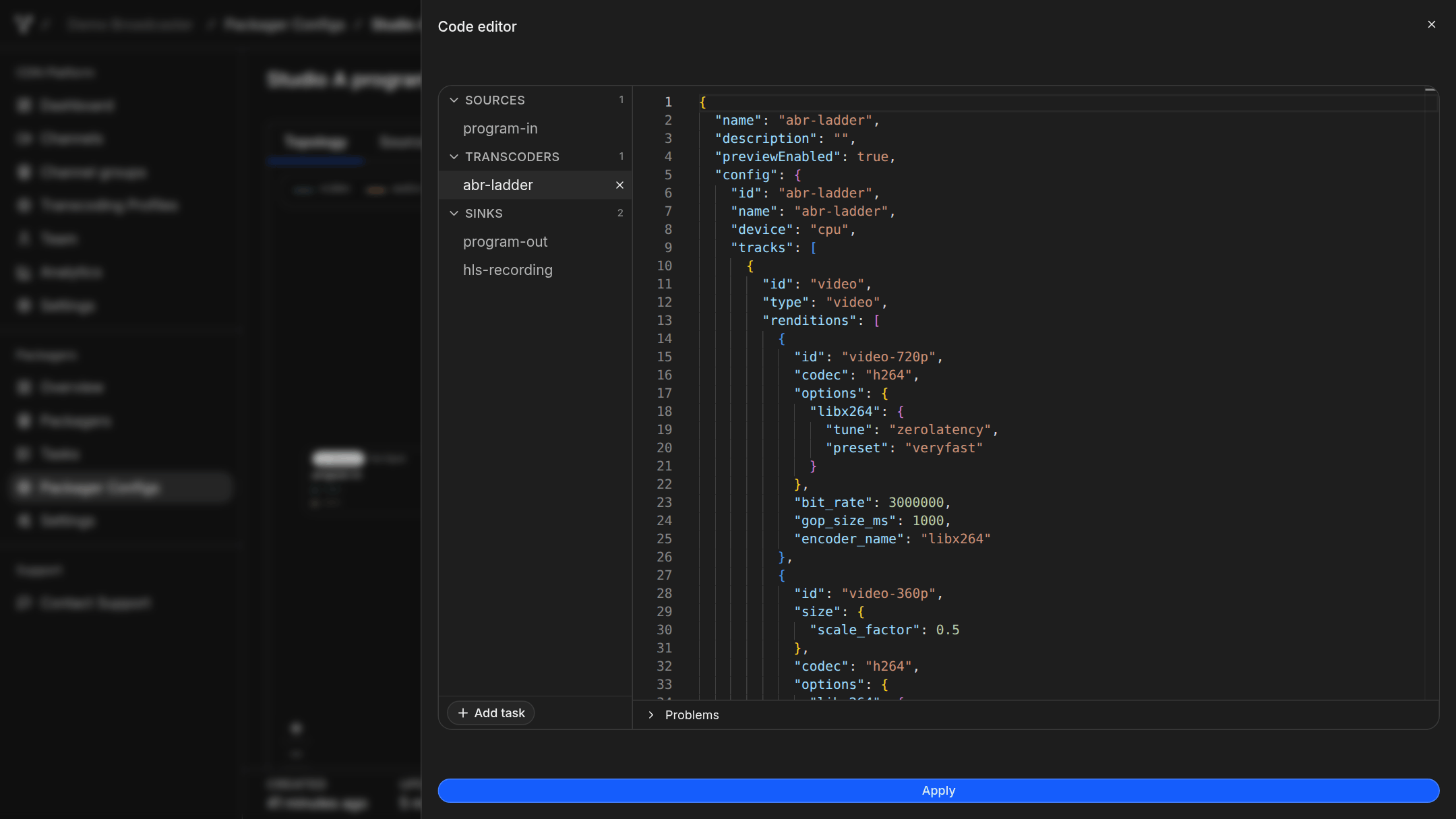
For example, this tab defines an SRT sink that sends the output of a transcoder with the id abr-ladder to a receiver:
{
  "name": "SRT to OB truck",
  "description": "Program feed, caller mode",
  "previewEnabled": false,
  "config": {
    "id": "srt-to-truck",
    "sink_type": "srt",
    "source_ids": ["abr-ladder"],
    "protocol_options": {
      "url": { "type": "string", "value": "srt://192.0.2.20:9000?mode=caller&latency=120000" }
    }
  }
}
name and description are what the editor and the Packager pages show. config.id is the task ID that other tasks list in source_ids, and the ID the Packager reports. Leave previewEnabled as it is.
Each option value has a type and a value. A TOML file run on the host accepts plain values such as url = "srt://...", but the Portal needs every option typed:
| Type | Use it for | Example |
|---|---|---|
string | URLs, names, modes | { "type": "string", "value": "listener" } |
u_int | Whole numbers that cannot be negative, such as sizes, ports and bitrates | { "type": "u_int", "value": 1316 } |
int | Whole numbers that can be negative | { "type": "int", "value": -1 } |
double | Decimal numbers | { "type": "double", "value": 0.5 } |
bool | On and off switches | { "type": "bool", "value": true } |
ratio | Frame rates and aspect ratios | { "type": "ratio", "value": [30000, 1001] } |
A plain value in an option block is an error, such as Incorrect type. Expected "object"., and Apply reports Fix errors before applying until every error is gone.
Save a revision
Select Save. The Save changes sheet shows what changed since the last revision. Add a short reason, such as "Raise the 720p rendition to 2.5 Mbit/s", and select Save. Each save creates a new revision.
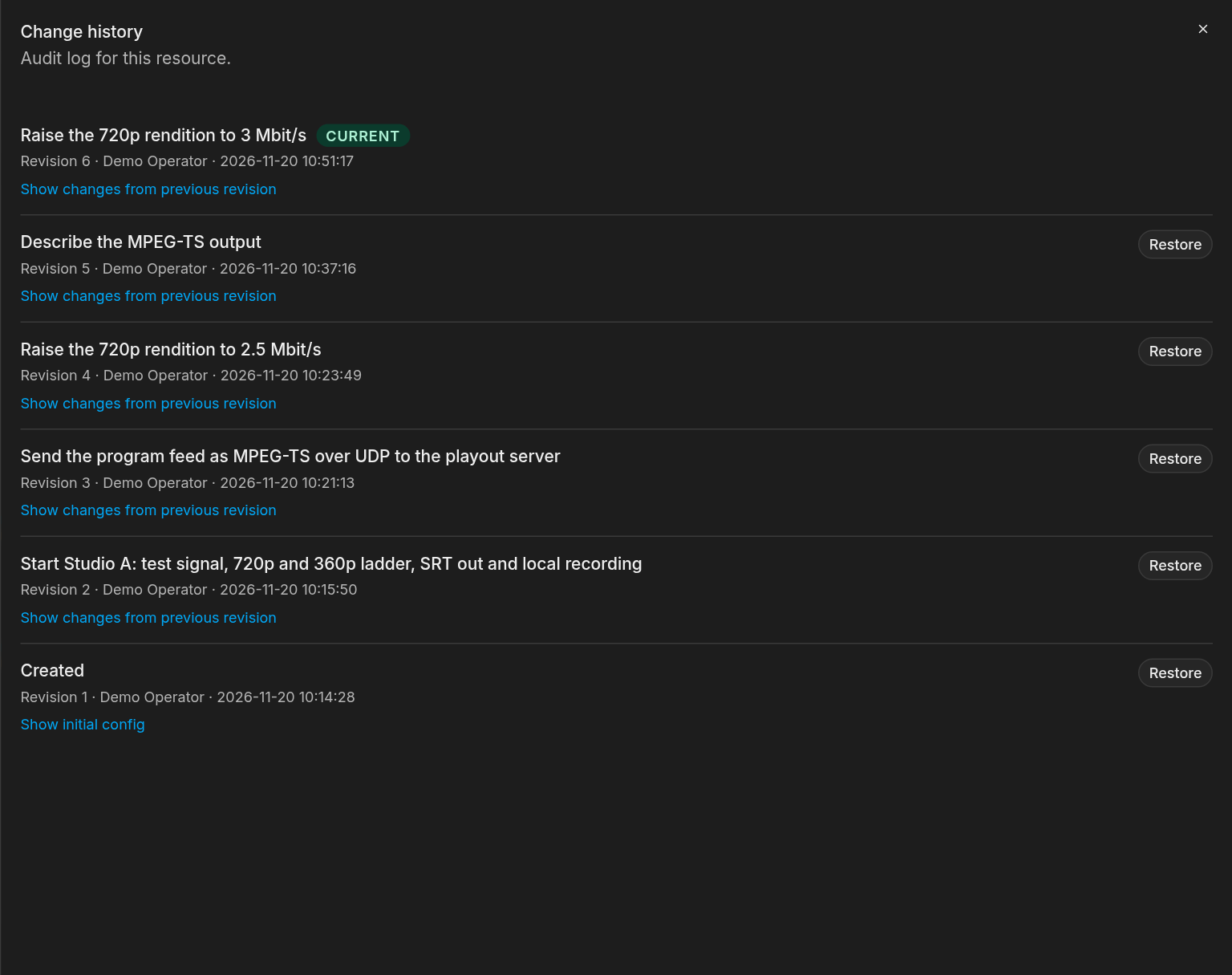
History lists every revision with its reason, who saved it and when. Show changes from previous revision shows the difference, and Restore saves an older revision's tasks as a new revision.
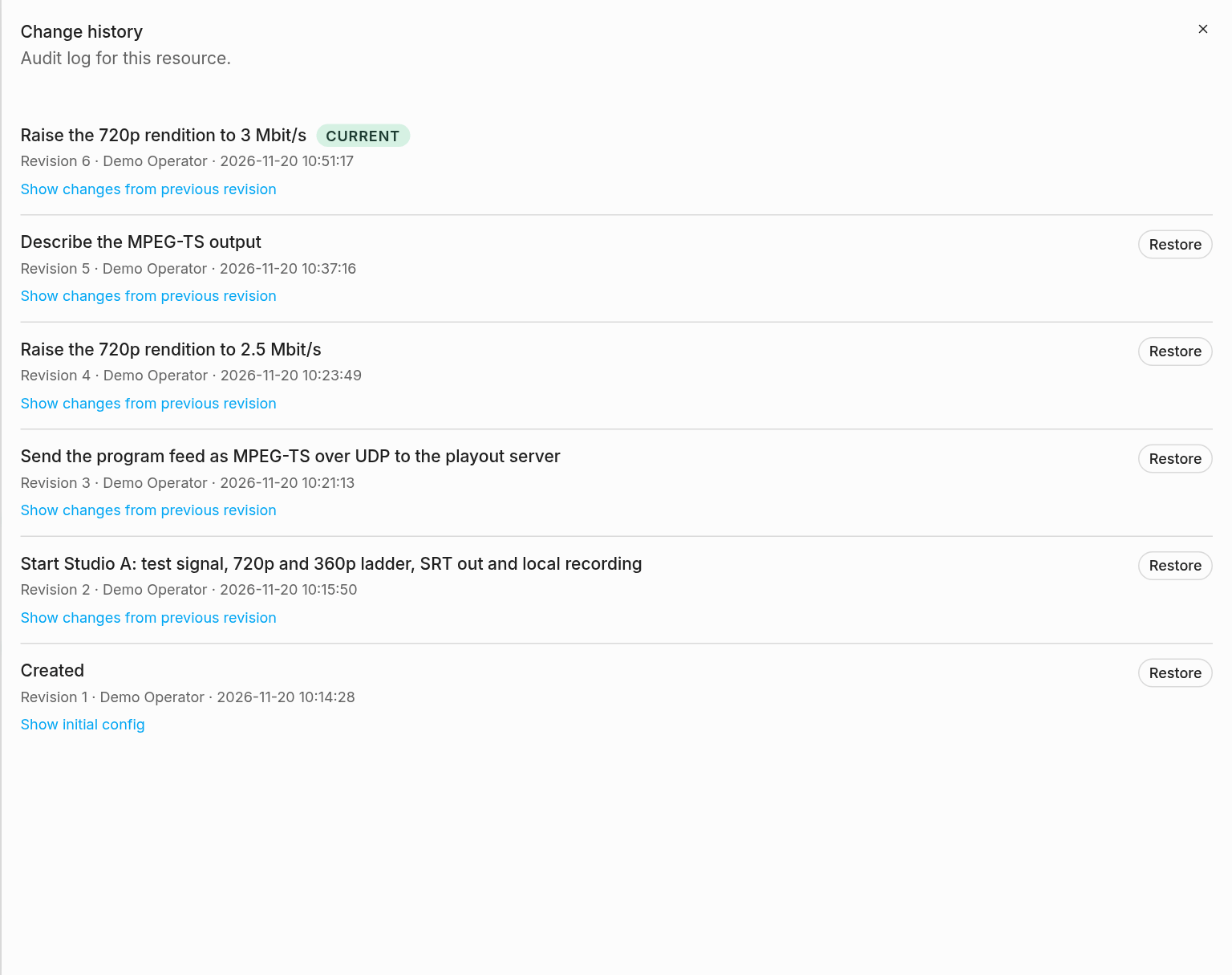
Saving does not push the change to running Packagers. They keep running their current revision until you update them, as described below.
Whenever a managed Packager connects, for example after a restart or a network drop, it receives the config as it is saved at that moment, including after Restore. Save changes to a config that runs live outputs when you are ready for them to go live, and use a separate config to prepare changes.
Roll out a new revision
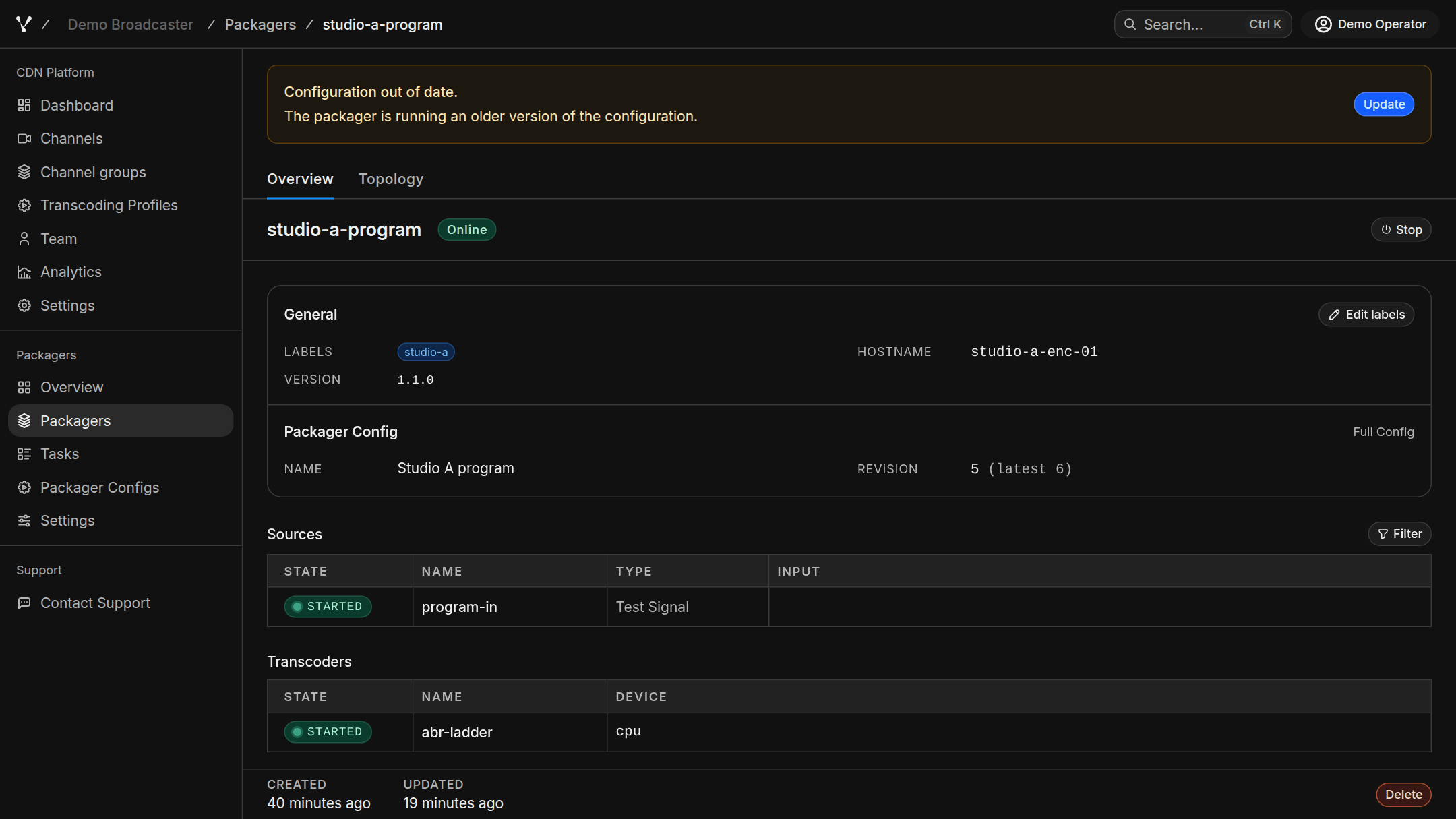
When an online managed Packager runs an older revision than the latest one, the Packagers list shows Update in its Deployment status column. The Packager's page shows Configuration out of date. with an Update button, and so does the config's Packagers panel. These appear only while the Packager is online.
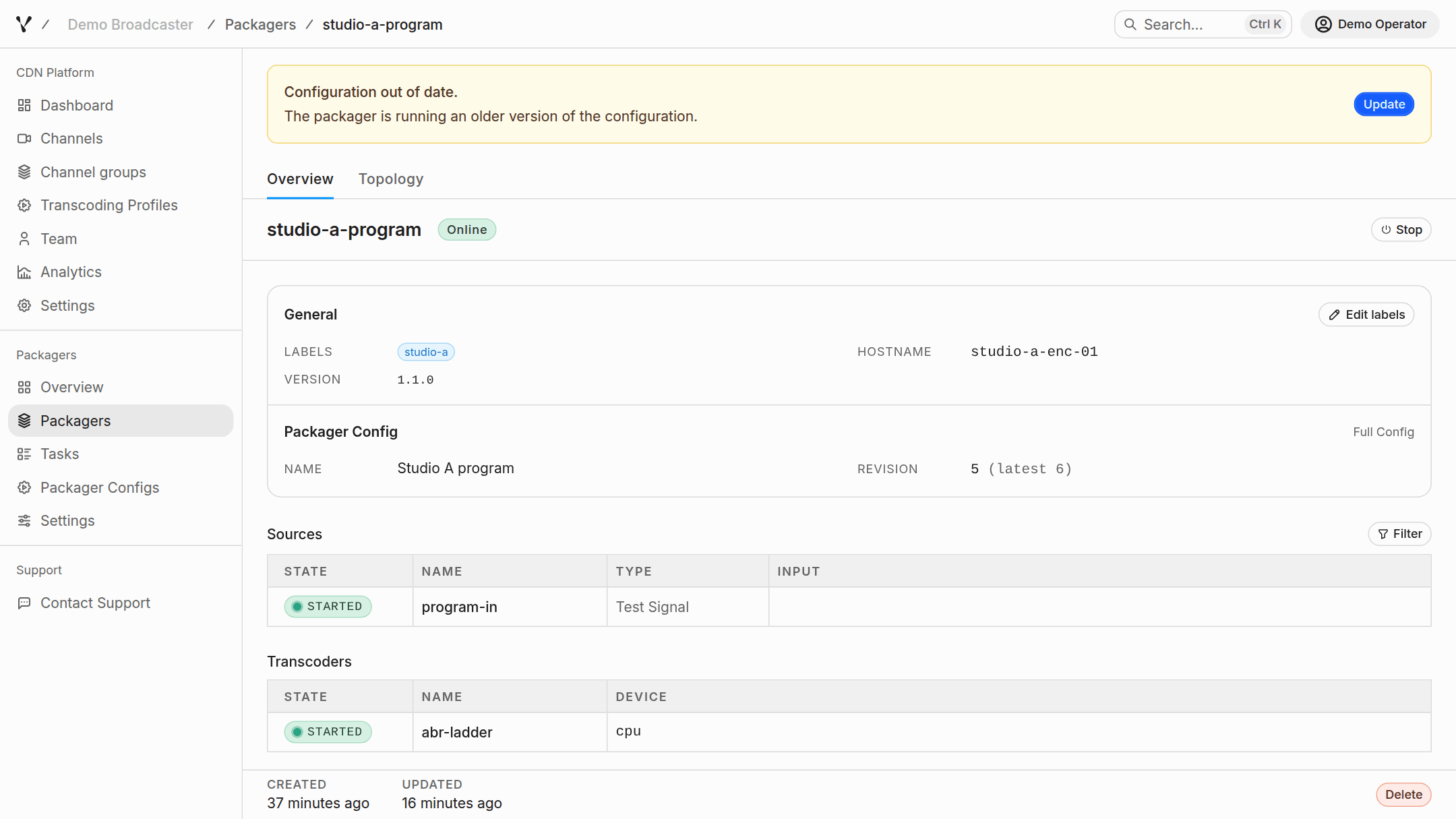
- Select Update.
- Review the changes. The Update configuration dialog shows the revision the Packager runs, the latest revision, the reasons given when they were saved and every changed line.
- Select Apply latest configuration.
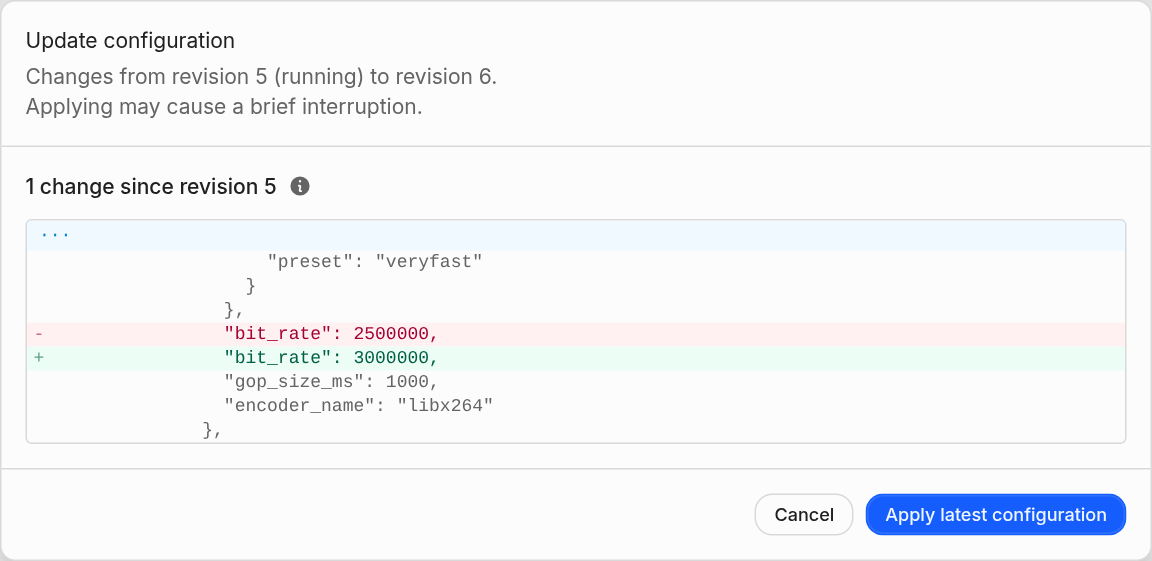
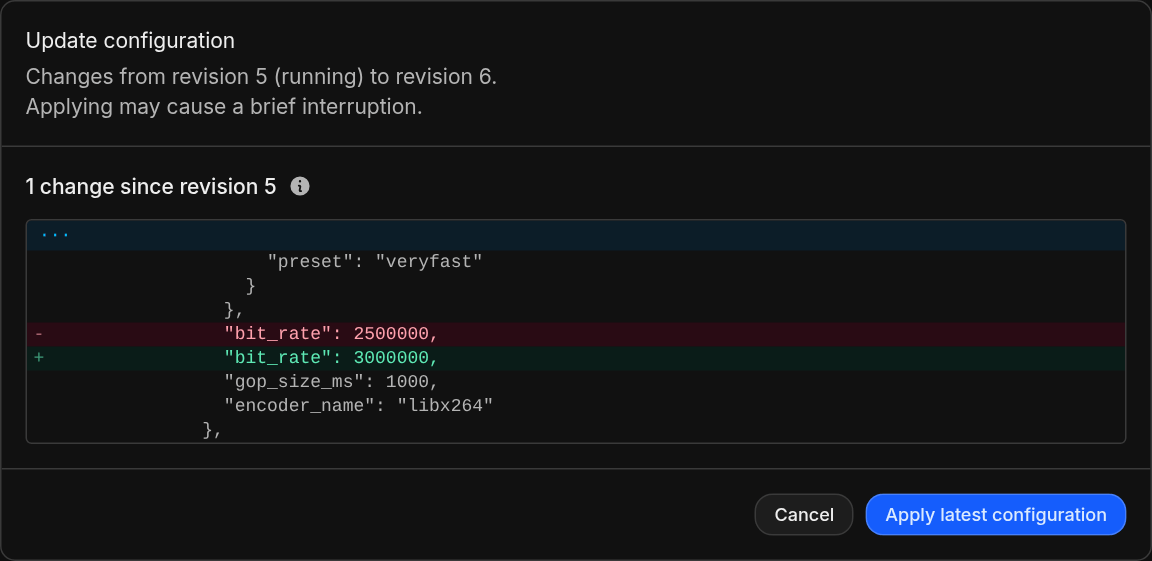
The Packager validates the revision, then adds, changes and removes tasks to match. Changed tasks restart, so their outputs can drop briefly; schedule updates to live outputs accordingly. If the Packager rejects the revision, nothing is applied and it keeps running its current tasks.
Check the result in the Packager's Events: Config applied with the revision number, or Config rejected with each failing task and the reason. See Monitor Packagers.
Update each Packager separately. This lets you roll a change out to one Packager first and check it before updating the rest.
Remove a Packager or a config
Delete a Packager from the Packagers list with Actions › Delete packager, or with Delete on its page, and stop its container on the host. A config cannot be deleted while a Packager runs it. Actions › Clone in the configs list copies a config as a starting point for a new one.